Getting started
The fastest way to evaluate Asc-Seurat is to use the built-in Demo tab, which auto-loads a small PBMC dataset and lets you walk through the whole single-sample workflow without supplying any data of your own.
Launching the app
If you installed the R package:
ascseurat::run_app()
If you are using the Docker image:
docker pull pereiralabbio/asc-seurat:3 && \\
docker run --rm -d --name asc-seurat -p 3838:3838 pereiralabbio/asc-seurat:3 && open http://localhost:3838
then open http://localhost:3838 in a browser.
For your own data, launch Docker from the folder that contains the data and mount that folder into the app:
cd "/path/to/folder/that/contains/your/data"
docker run --rm -p 3838:3838 \
  -v "$PWD:/home/ascseurat/data:ro" \
  pereiralabbio/asc-seurat:3
Then use paths such as data/sample/filtered_feature_bc_matrix in the
app. See Installation for additional mount examples.
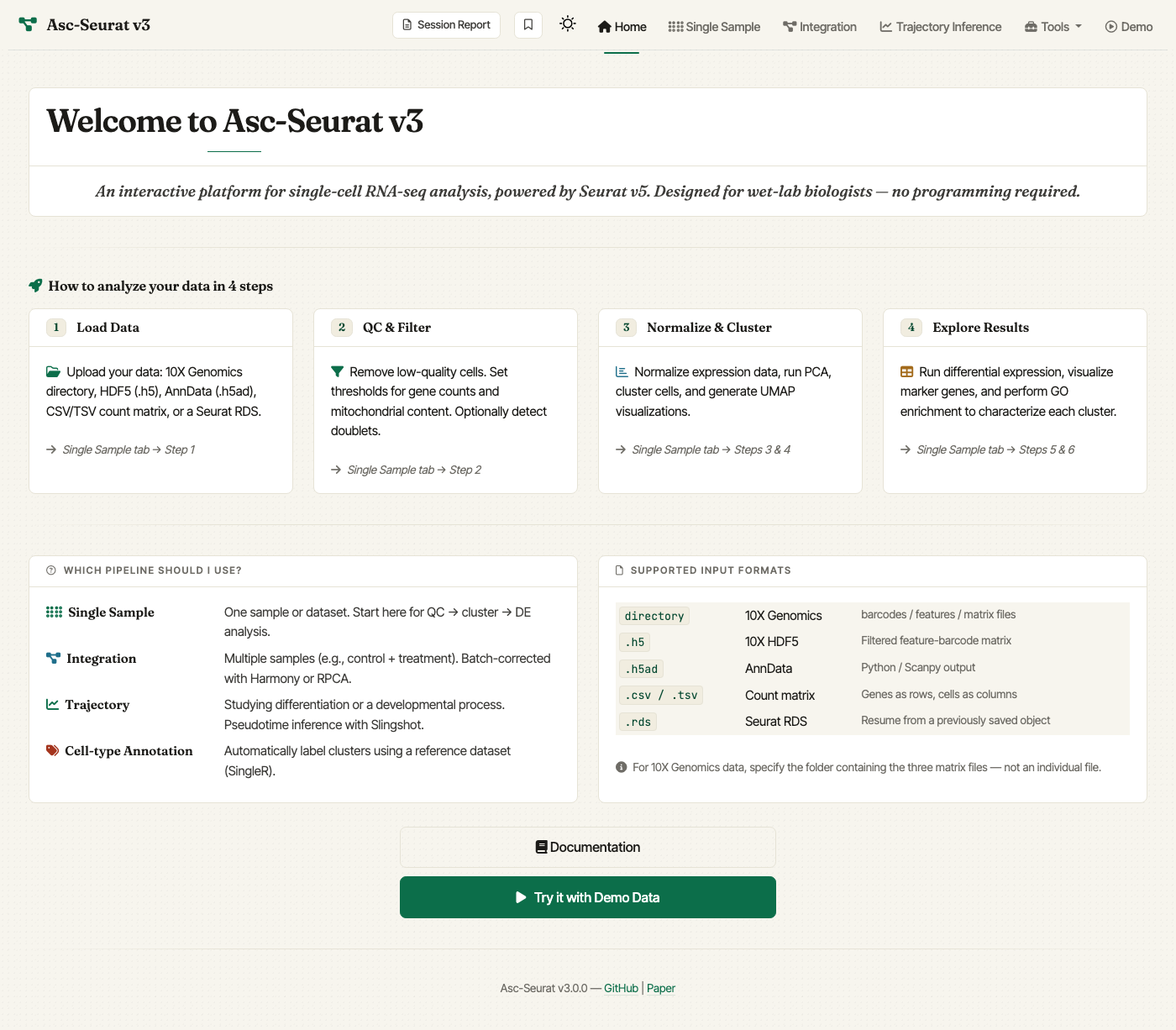
The home screen. Click Try it with Demo Data or use the top navigation to jump straight to a workflow.
The Demo tab
The Demo tab auto-loads a 2,000-cell subset of the PBMC 3k reference dataset that ships with the package. It is the recommended starting point for first-time users: the dataset is small enough to finish every step in a few minutes while still exercising QC, normalization, clustering, differential expression, and visualization.
Suggested first run:
Open the app.
Click Try it with Demo Data on the home page (or the Demo tab in the navigation bar). The PBMC object is loaded automatically.
Step through QC, Normalize & Cluster, and DE / Visualization with the default settings.
From the DE results table, send a gene set directly into the visualization module to inspect markers without re-importing a CSV.
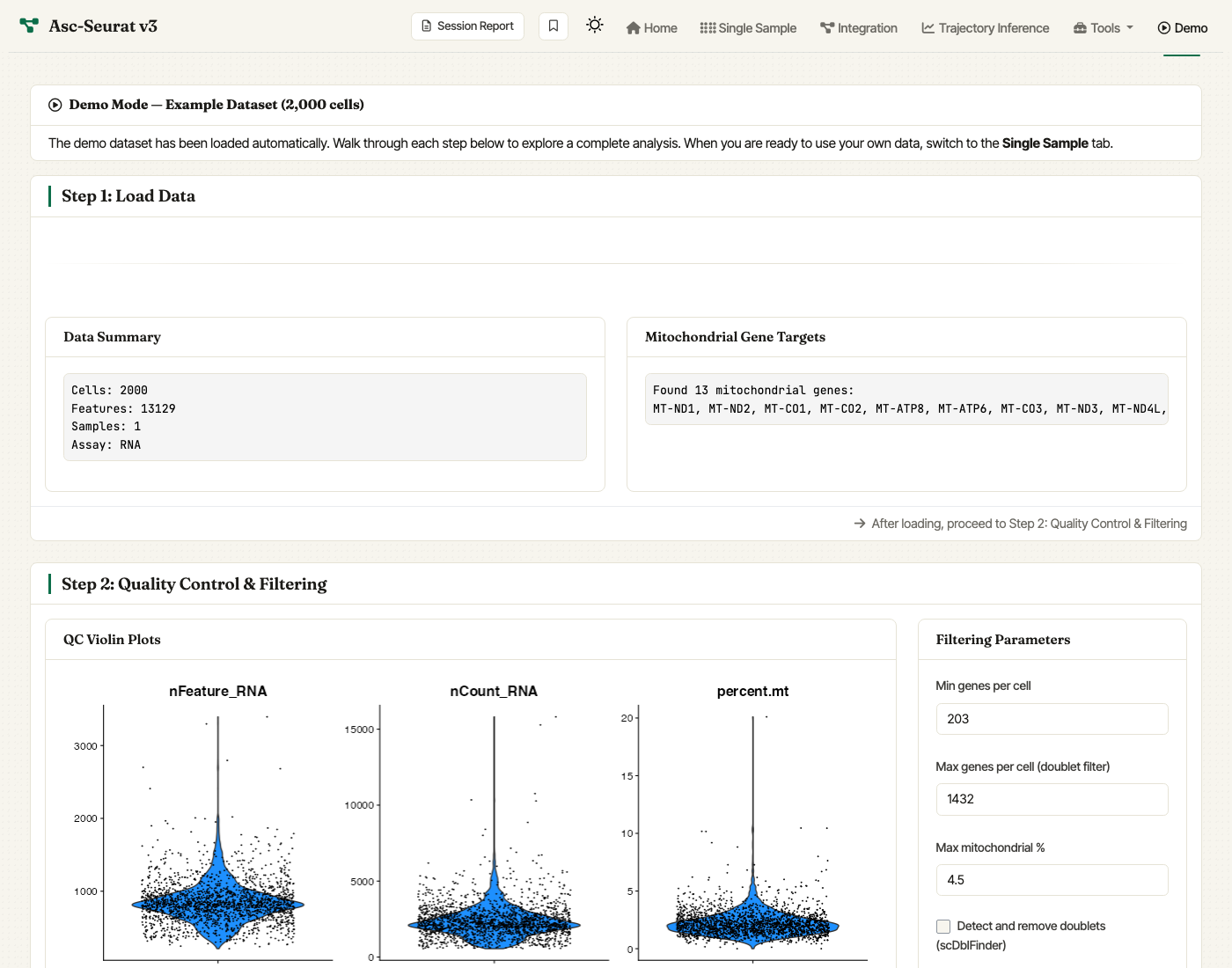
The Demo tab. The example dataset is auto-loaded and every step (Load, QC, Normalize & Cluster, Explore) is available in a single scroll.
Working with your own data
Once you are comfortable with the demo, load your own dataset:
For a single sample, see Loading the data of an individual sample.
For multiple samples (integration), see Loading the data and integration of multiple samples.
For trajectory inference, see Trajectory inference.
For cell-type annotation, see Cell-type annotation.