Markers identification and differential expression analysis
After integrated clustering, Asc-Seurat v3 exposes marker testing in Step 3: Differential Expression / Marker Identification (Optional). The integrated workflow supports the same core options as the single-sample workflow, plus sample-aware tests for multi-sample objects.
Selected marker genes can be sent directly from the results table to the integrated visualization module (see Integrated expression visualization). You can also download the results as a CSV file for external use.
Analysis modes
The integrated DE panel can:
find markers for all clusters;
find markers for one selected cluster;
compare two selected clusters;
test differential expression between conditions within a selected cluster;
find conserved markers across samples for a selected cluster.
All modes share the statistical test selector, adjusted p-value cutoff, log2 fold-change threshold, minimum fraction of cells expressing the gene, and the option to return only positive markers.
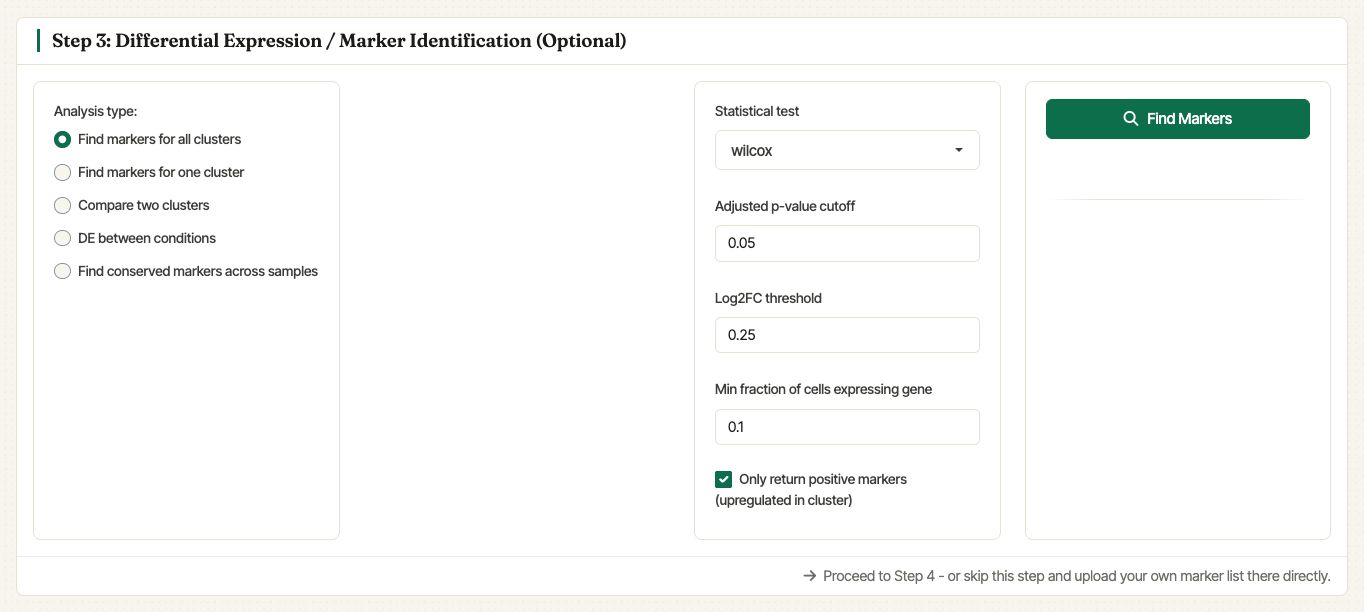
Settings for finding marker genes for all clusters in the integrated object.
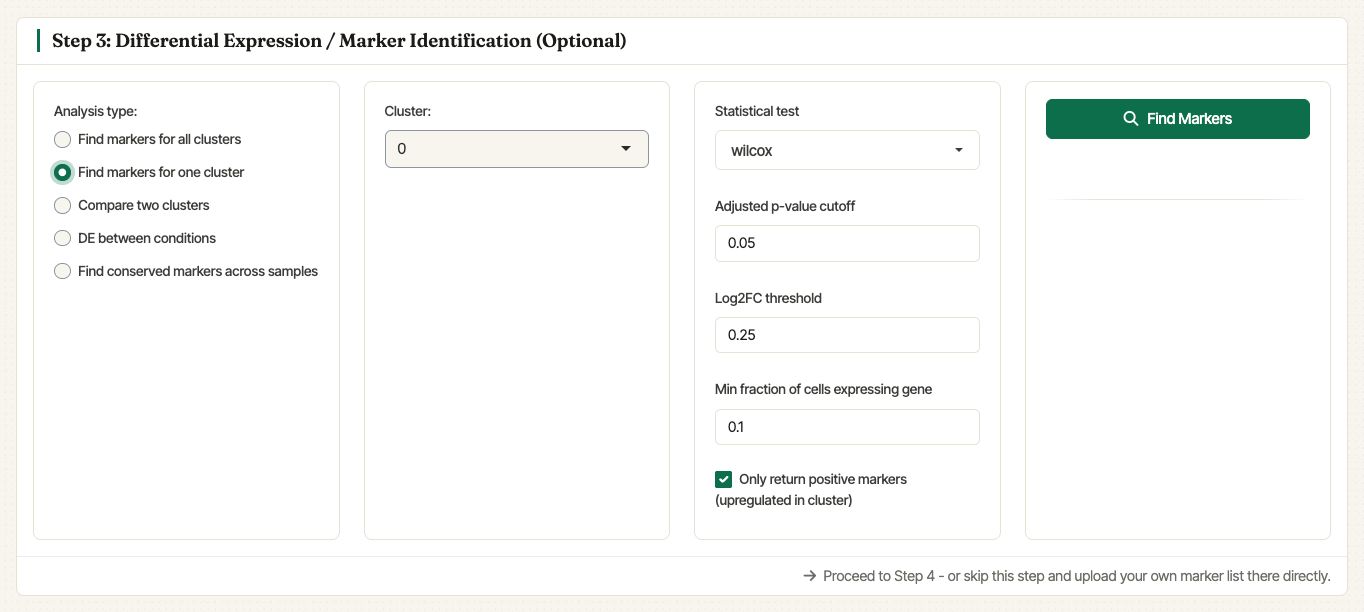
Settings for finding markers for one selected cluster.
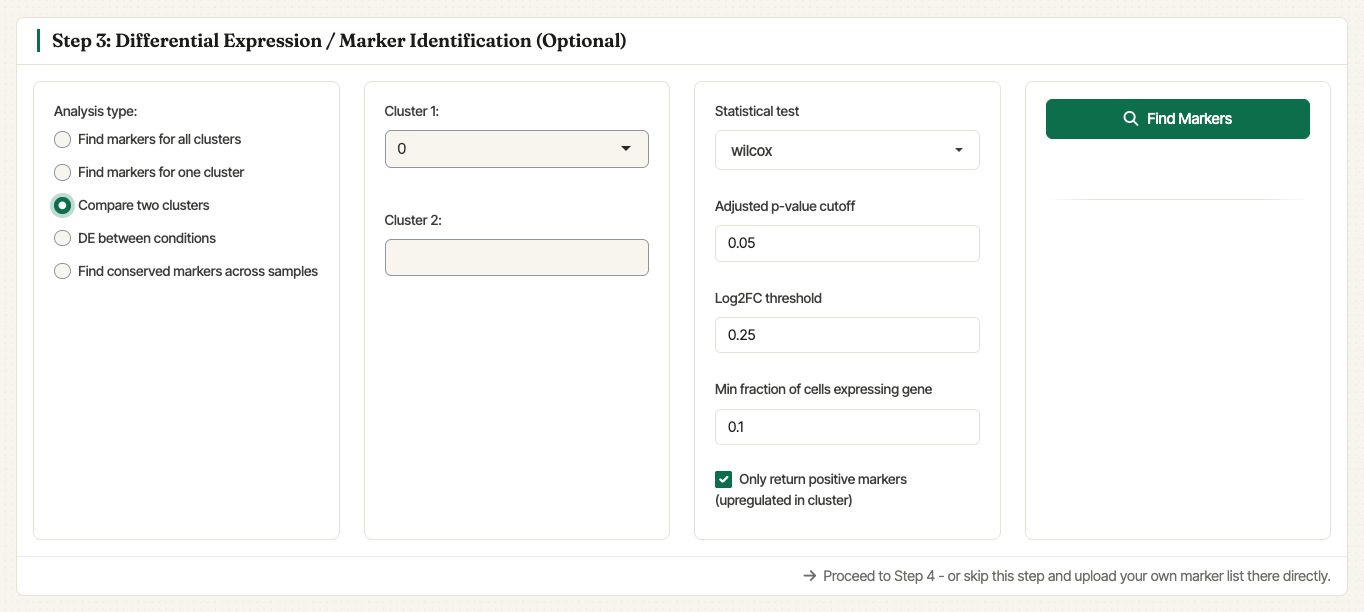
Settings for comparing two selected clusters.
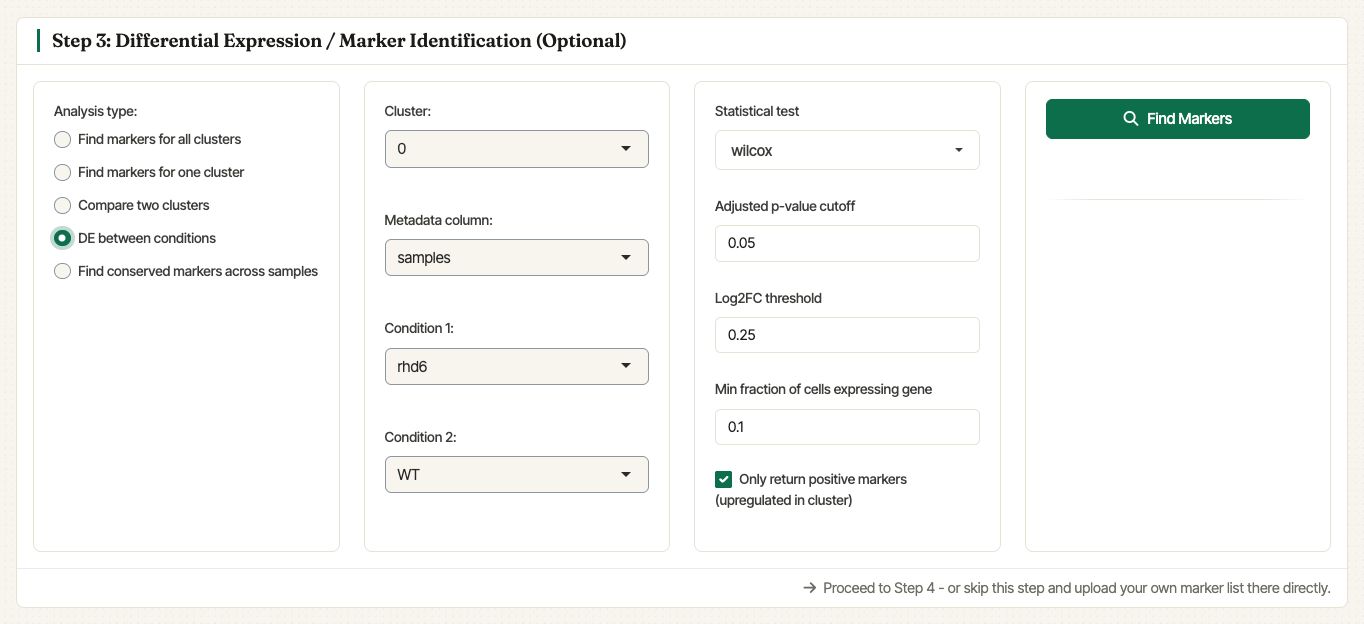
Settings for testing differential expression between sample conditions within a selected cluster.
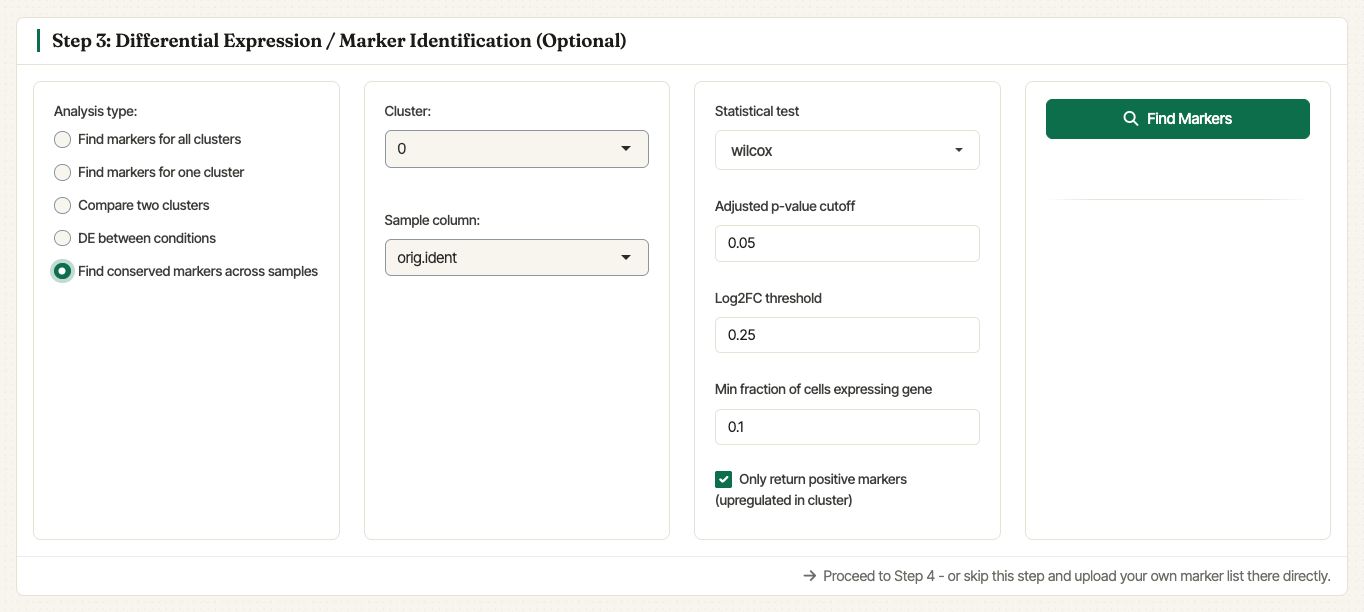
Settings for finding conserved markers across samples.
Marker table
After the search runs, Asc-Seurat displays an interactive marker table. The table can be searched, paged, and downloaded as CSV. The selected genes can also be passed directly to Step 4: Gene Expression Visualization without re-uploading a marker list.
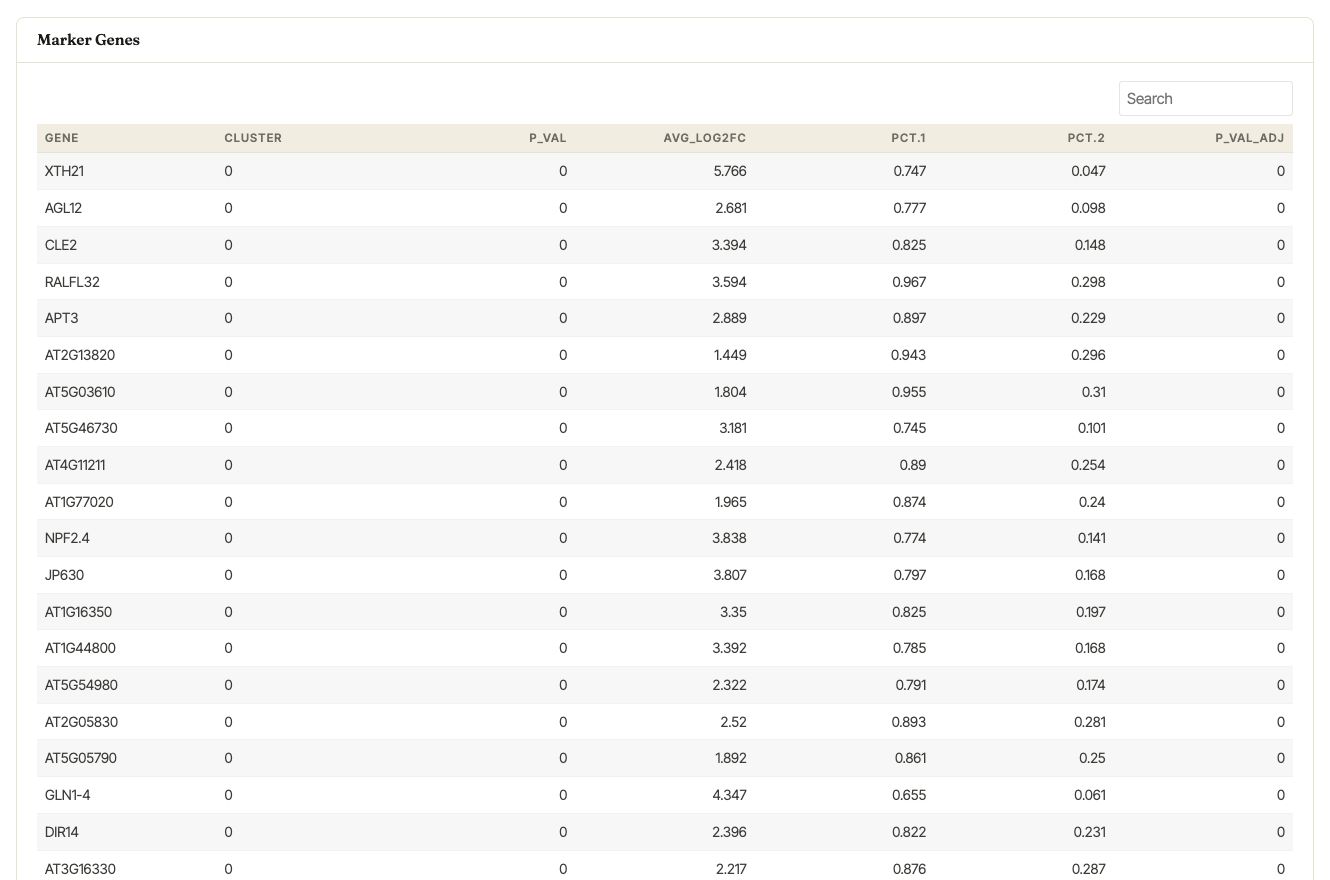
Marker table generated for cluster 0 of the integrated WT and rhd6 example samples.